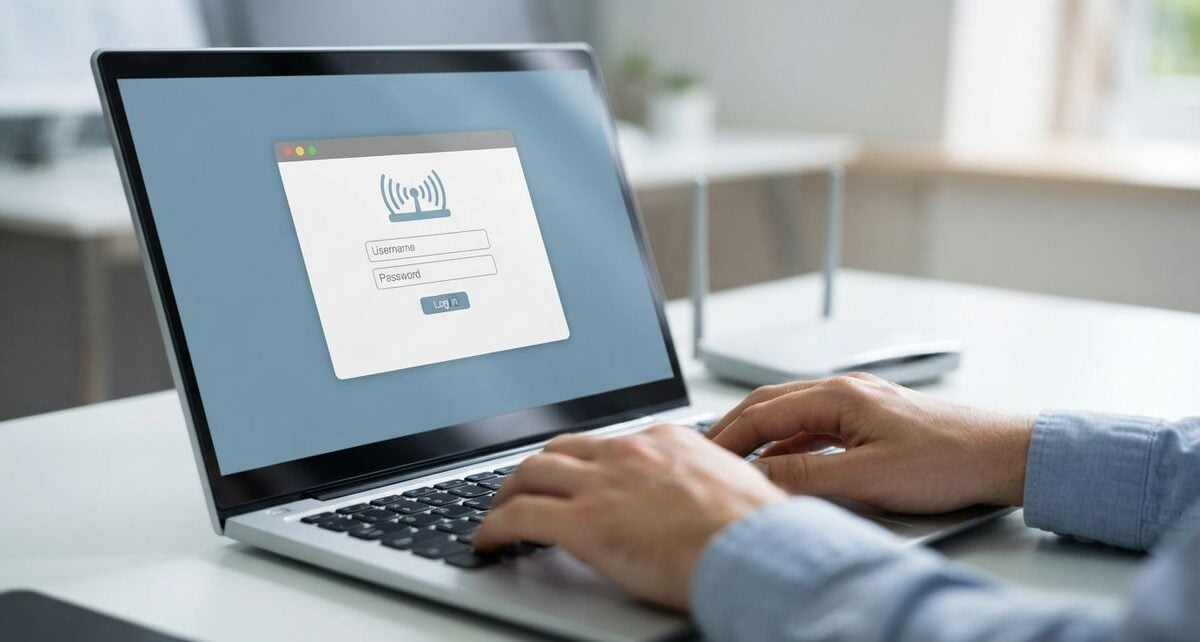
The modern household has undergone a significant transformation, with smart devices becoming integral to our daily routines. From thermostats that adjust based on our habits to lighting systems that respond to voice commands, these tools offer immense convenience. However, maintaining this technology is just as important as setting it up initially. Without proper care, these systems can become sluggish, unreliable, or pose security risks that undermine their benefits.
Taking care of smart devices is similar to maintaining other household appliances. It requires a proactive approach rather than waiting for something to fail before taking action. By integrating small maintenance tasks into your lifestyle, you can ensure that your home technology remains functional and secure for a long time.
Establishing a Consistent Care Routine
The first step in maintaining smart home technology is recognizing that these items, despite their digital nature, still exist in a physical environment. Most smart devices depend on sensors and connectivity, both of which can be compromised by simple environmental factors. Dust, humidity, and temperature fluctuations are the enemies of sensitive electronics.
Regularly cleaning your devices is a simple but overlooked task. For cameras, sensors, and smart displays, a gentle wipe with a soft, microfiber cloth is usually sufficient. Avoid using harsh chemical cleaners, as these can damage screens or lenses. Ensure that devices have adequate ventilation, especially those that generate heat, like smart hubs or streaming devices. If a device feels excessively warm to the touch, it may be struggling to dissipate heat, which can lead to premature failure.
Furthermore, managing the power supply is essential. Using surge protectors for your primary smart hubs and network equipment can prevent damage from power fluctuations. While many devices are designed to stay on continuously, it is often beneficial to perform a controlled power cycle periodically. Simply unplugging a device for a brief moment and plugging it back in can resolve minor glitches that build up over time, ensuring a fresh start for the device’s internal software.
Navigating Firmware and Security Updates
Software is the core of any smart home device. Manufacturers frequently release firmware updates to patch vulnerabilities, improve performance, and add new capabilities. Ignoring these updates can leave your network exposed to unauthorized access and may cause devices to lose compatibility with newer software versions.
Most modern devices handle updates automatically, but it is wise to verify that these settings are enabled. Check the companion application for each device regularly to ensure that you are running the latest software version. If a device has ceased receiving updates, it may be time to consider replacing it, as it could become a weak point in your home network.
Staying informed about the general direction of technology helps you understand why updates are necessary. For insights on where innovation is heading, you can look at yourgadgetguide.net, which highlights how hardware development impacts the usability of our daily tools. Understanding these broader trends helps you appreciate the importance of maintaining software parity across your devices.
Optimizing Network Connectivity
Smart homes rely heavily on your wireless network. If your router is struggling to manage the number of connected devices, you will experience lag, dropouts, and unresponsive controls. The foundation of a reliable smart home is a robust network configuration.
Start by placing your wireless router in a central, unobstructed location. Avoid hiding it in cabinets or behind large metallic objects, as these can significantly weaken the signal. If you have a large home, consider using a mesh network system, which provides better coverage by using multiple points to distribute the signal evenly. This prevents devices at the edges of your home from constantly losing their connection.
When searching for new networking hardware to handle increased demand, reviewing technical specifications is helpful. Many enthusiasts consult resources like Arab Tek to compare how different routers perform in real-world scenarios. Ensuring your network infrastructure is up to the task is just as important as maintaining the devices themselves.
Managing Device Memory and Data
Many smart devices, such as cameras and smart speakers, record data or store logs locally. Over time, this can fill up the available storage, causing the device to behave erratically or stop recording altogether. Periodically reviewing and clearing this data is a key maintenance step.
Check the settings within the application for each device to see how much storage is being utilized. If the device supports it, consider transferring important recordings to a secure, external storage location. While you are organizing your digital environment, remember that effective management is not limited to tech. If you run a small business or manage projects from home, it might also be helpful to think about scheduling training sessions for your team to keep your professional operations running smoothly alongside your upgraded home systems.
Here are a few quick steps to keep your digital space orderly:
- Review device logs to identify and remove old entries.
- Delete unused applications that were once used to control temporary devices.
- Back up essential configuration settings if the device allows.
- Check for and remove redundant data files on smart home hubs.
Knowing When to Upgrade Your Hardware
Even with the best maintenance, all electronics have a finite lifespan. As technology progresses, older devices may no longer support the latest protocols, or they might become incompatible with newer smart home ecosystems. Recognizing the signs that a device has reached the end of its practical life is an important part of management.
If you find that a device requires constant troubleshooting, frequently disconnects despite a stable network, or is no longer receiving security updates, it is likely time for an upgrade. Upgrading should be a thoughtful process rather than an impulsive one. Assess whether the new device offers genuine improvements that will benefit your lifestyle or if it merely adds unnecessary complexity. Sometimes, continuing to use a stable, older device is the better choice if it reliably fulfills its purpose.
By balancing regular physical and digital maintenance with informed decisions about when to update your technology, you can create a reliable environment. This proactive approach ensures that your smart home continues to serve you effectively, providing convenience without the frustration of constant malfunctions. Consistent effort in these areas leads to a more stable and enjoyable experience with your household technology.